VictorsSnap reads your receipt with AI and posts it to Xero or QuickBooks Online — vendor, amount, and account already filled in. Review and submit in seconds.

 Xero & QuickBooks Online
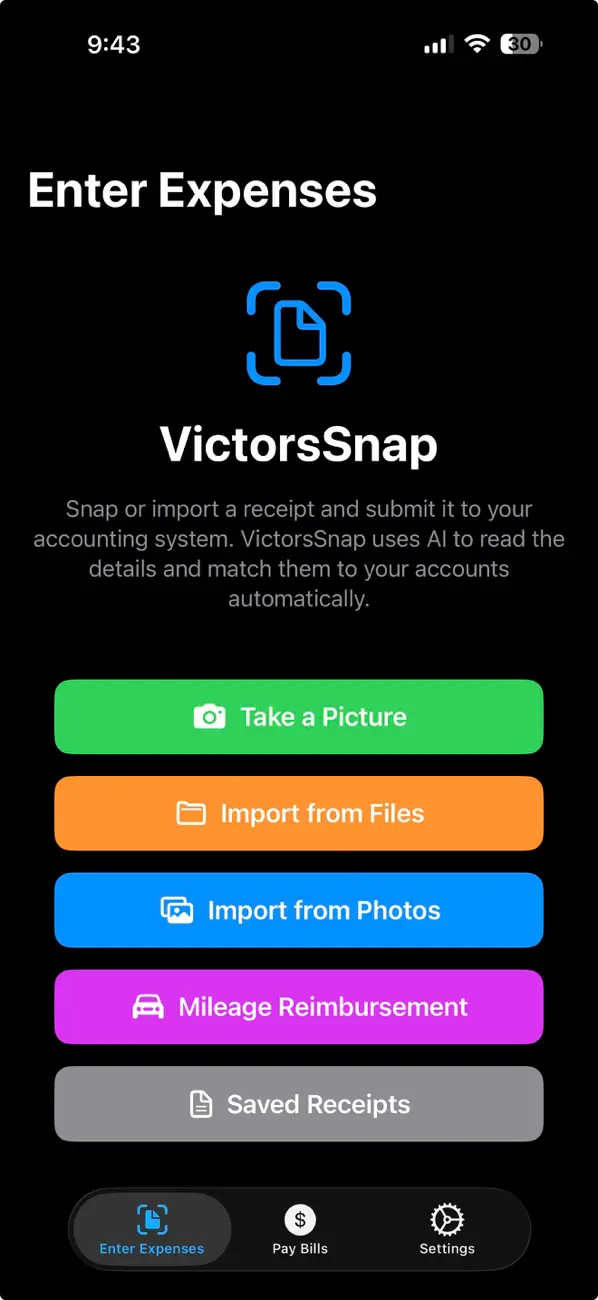
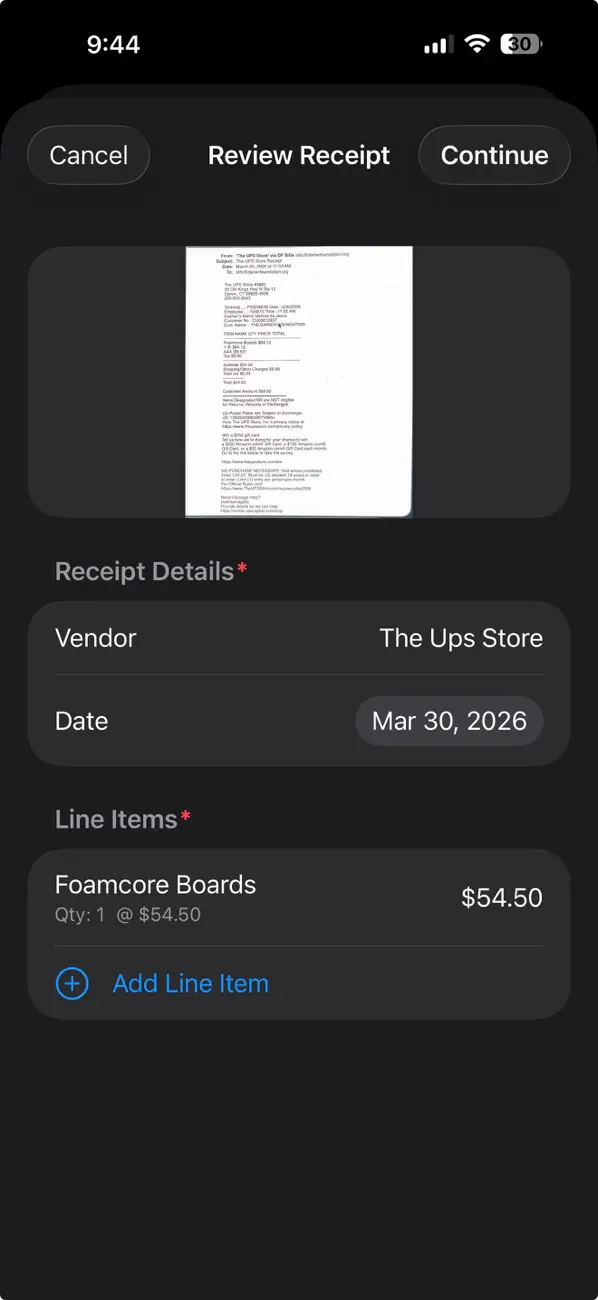
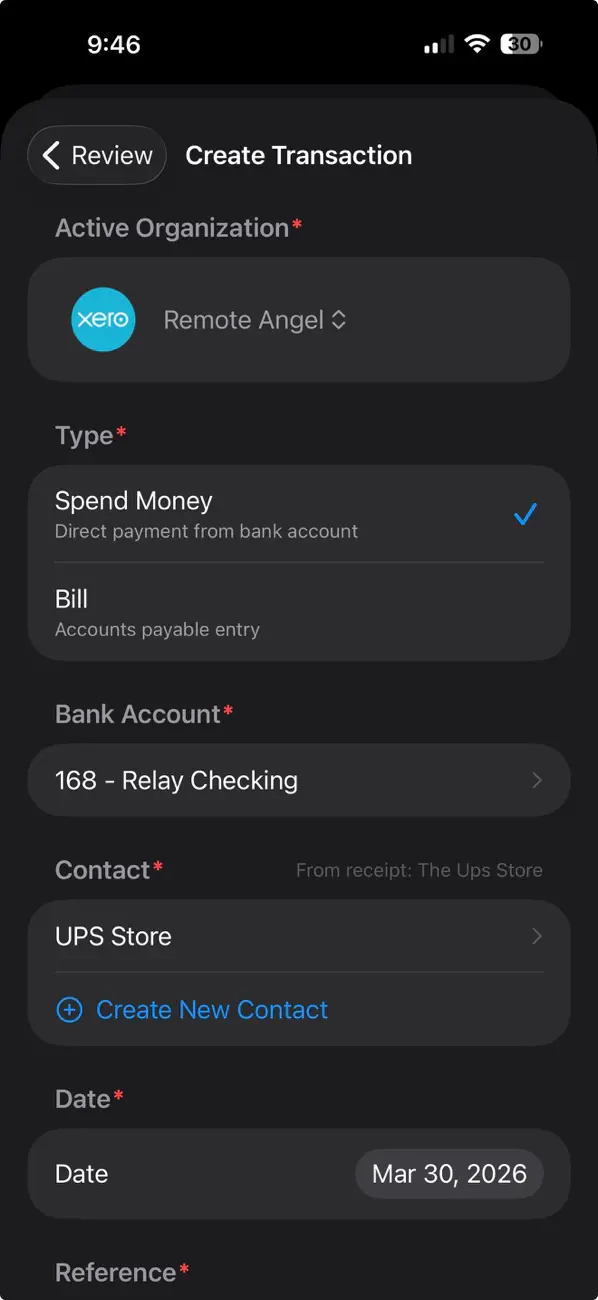
No forms to fill out. VictorsSnap does the reading, matching, and pre-filling — you just review and submit.
Take a photo of a paper receipt, or import a PDF or image from Files or Photos.
The vendor, date, amount, and a business-appropriate description come back filled in — no typing, no squinting at faded ink.
VictorsSnap matches the right contact and expense account, then posts a draft to Xero or QuickBooks with the receipt image attached.
Scan "The Ups Store" and VictorsSnap maps it to your existing "UPS Store" contact — and pulls the expense account from that vendor's last transaction.
Camera, Files, or Photos — whatever's fastest.
Vendor, date, and amount auto-filled from the image.
Right organization, matched contact, correct account.
Vendor, date, amount, description, and reference number — extracted automatically.
Matches the right contact and expense account, including pulling defaults from that vendor's last transaction.
Connect multiple Xero organizations and QBO companies, and switch between them in a tap.
Log trips with a starting address and destination, and generate a PDF for reimbursement.
The original receipt image rides along with every entry into your accounting system.
Receipts stay on your device, the app locks with Face ID, and connections use secure OAuth tokens in the Keychain.
Face ID, Touch ID, or your passcode is required every time you open the app.
Receipts and details live on your device. We never warehouse your accounting records.
Receipt images are sent to Claude for one-time reading — never used to train models.
Download VictorsSnap and submit your first expense in under five minutes.
Download on the App Store VictorsSnap